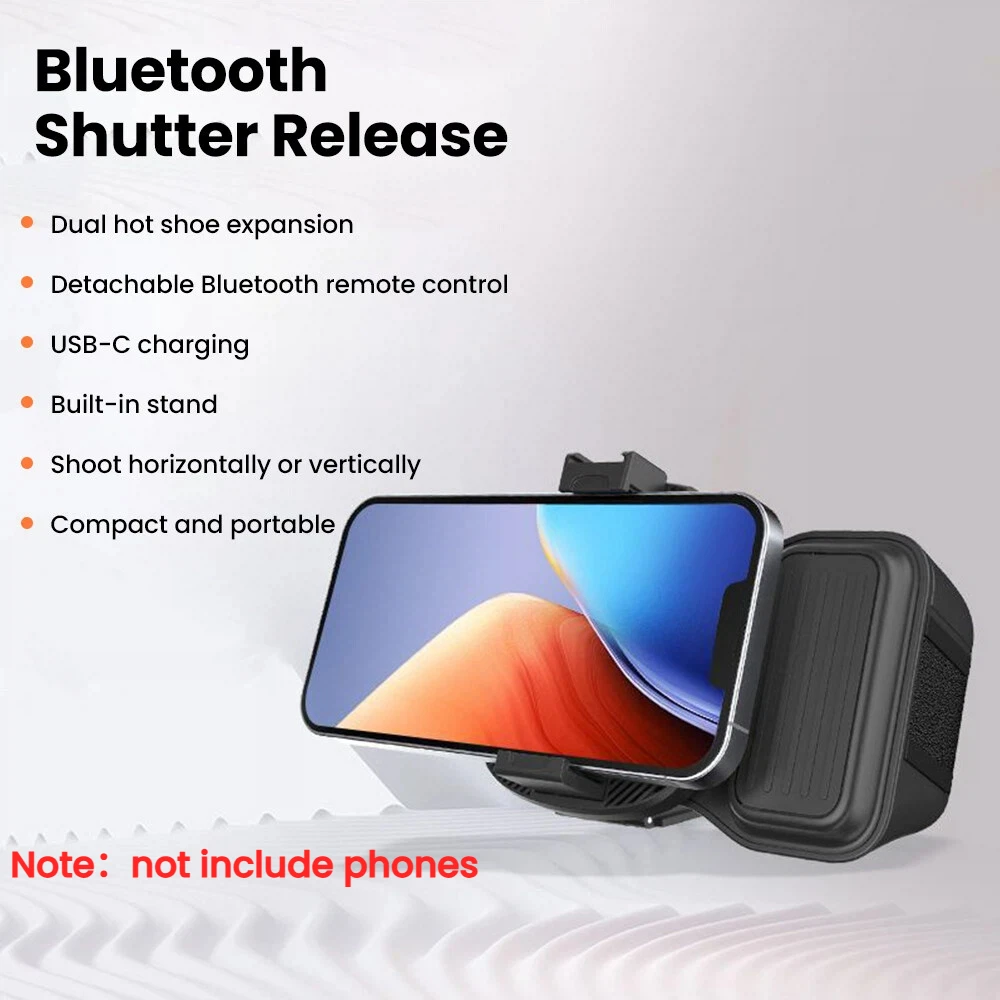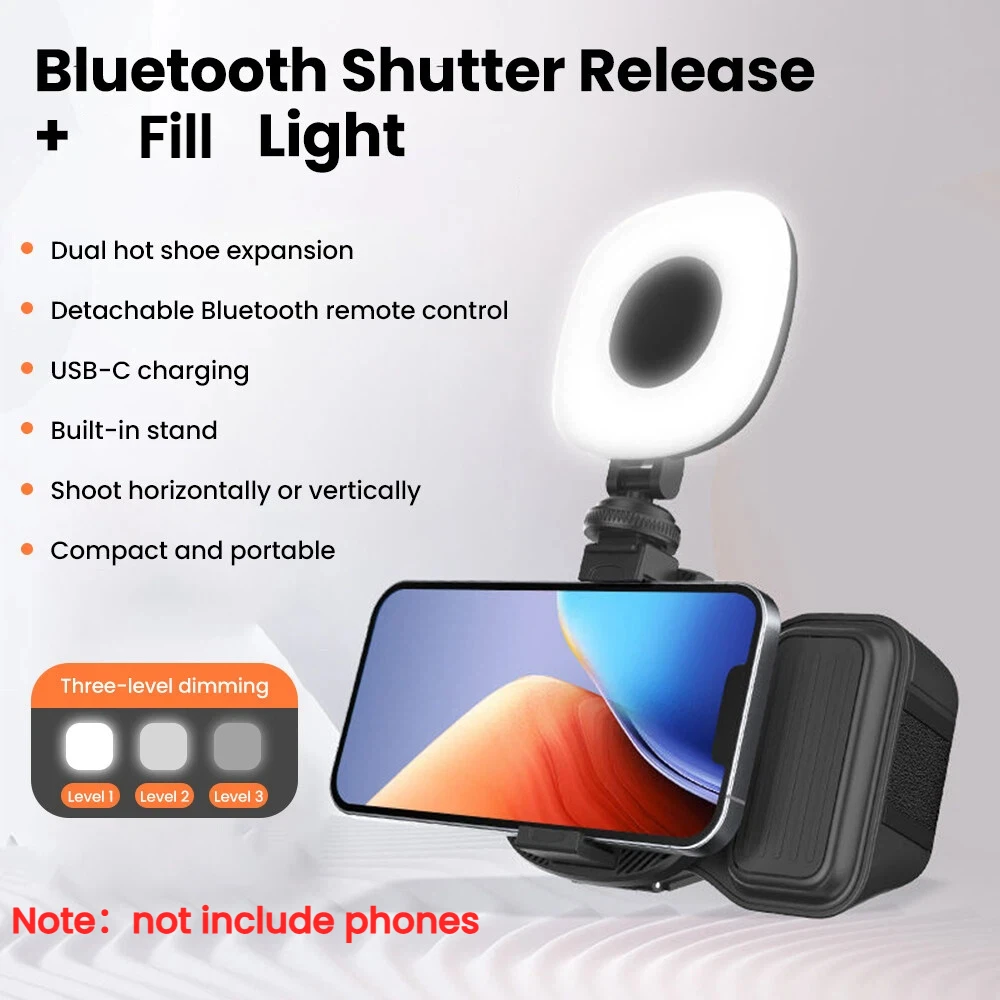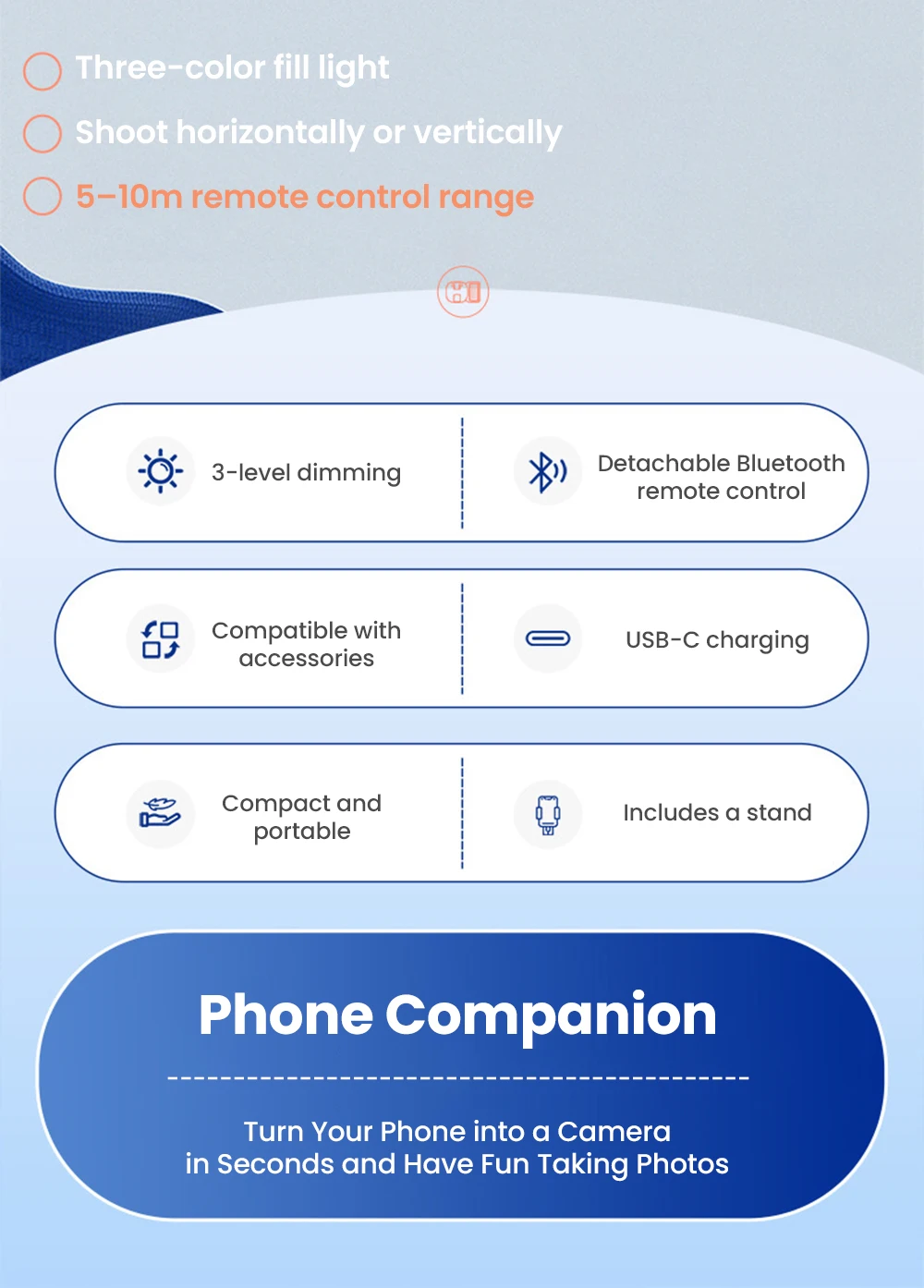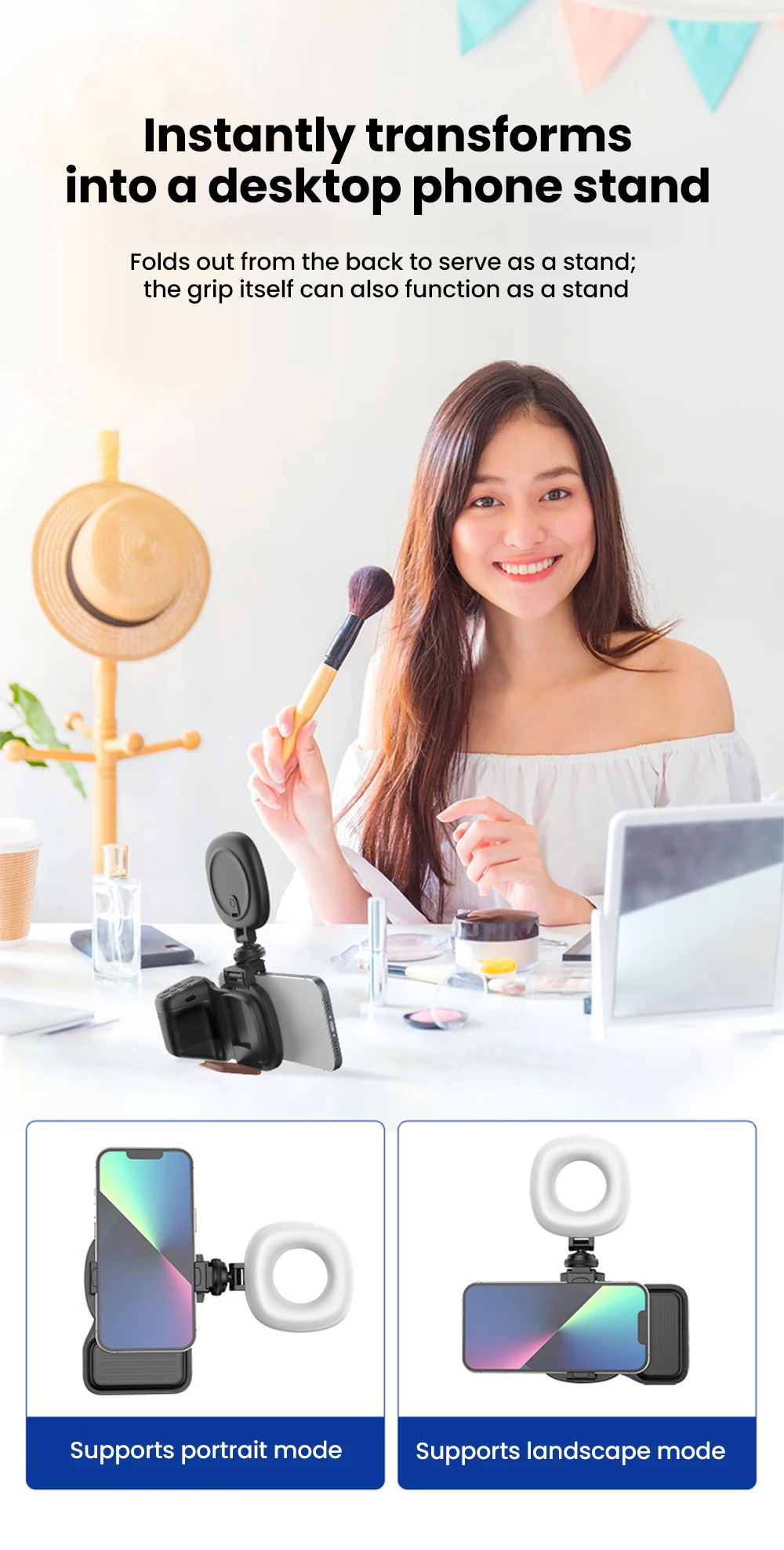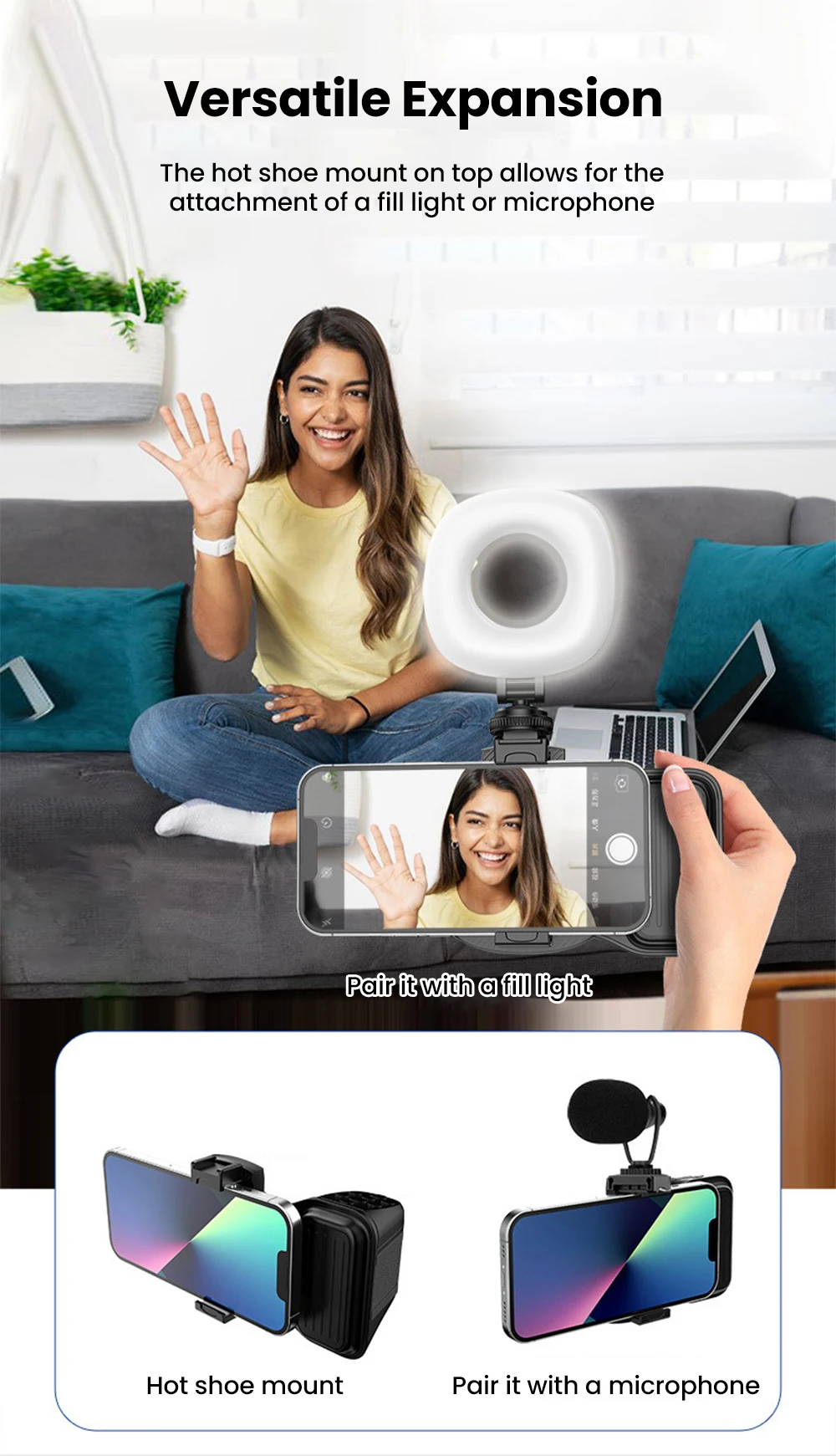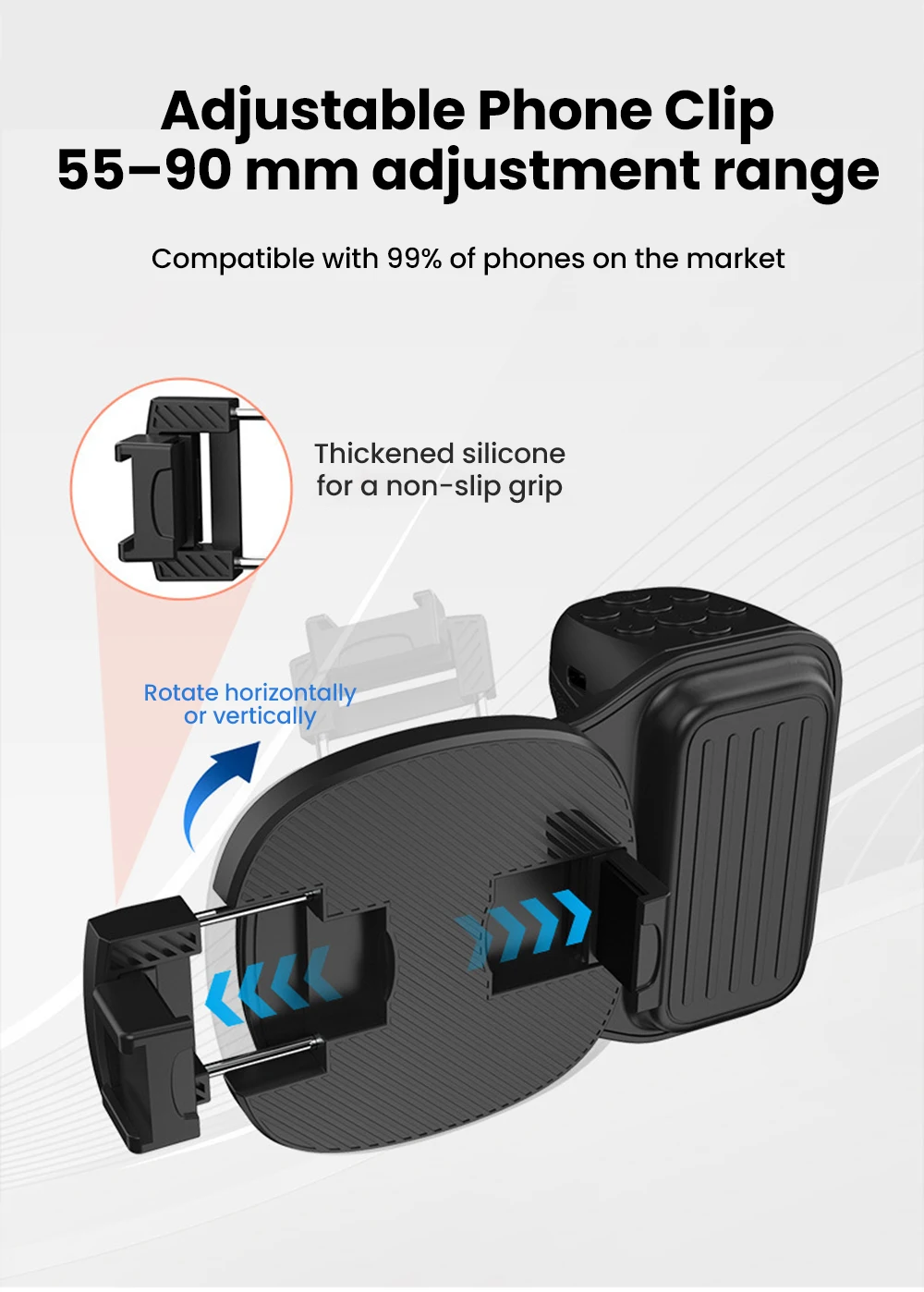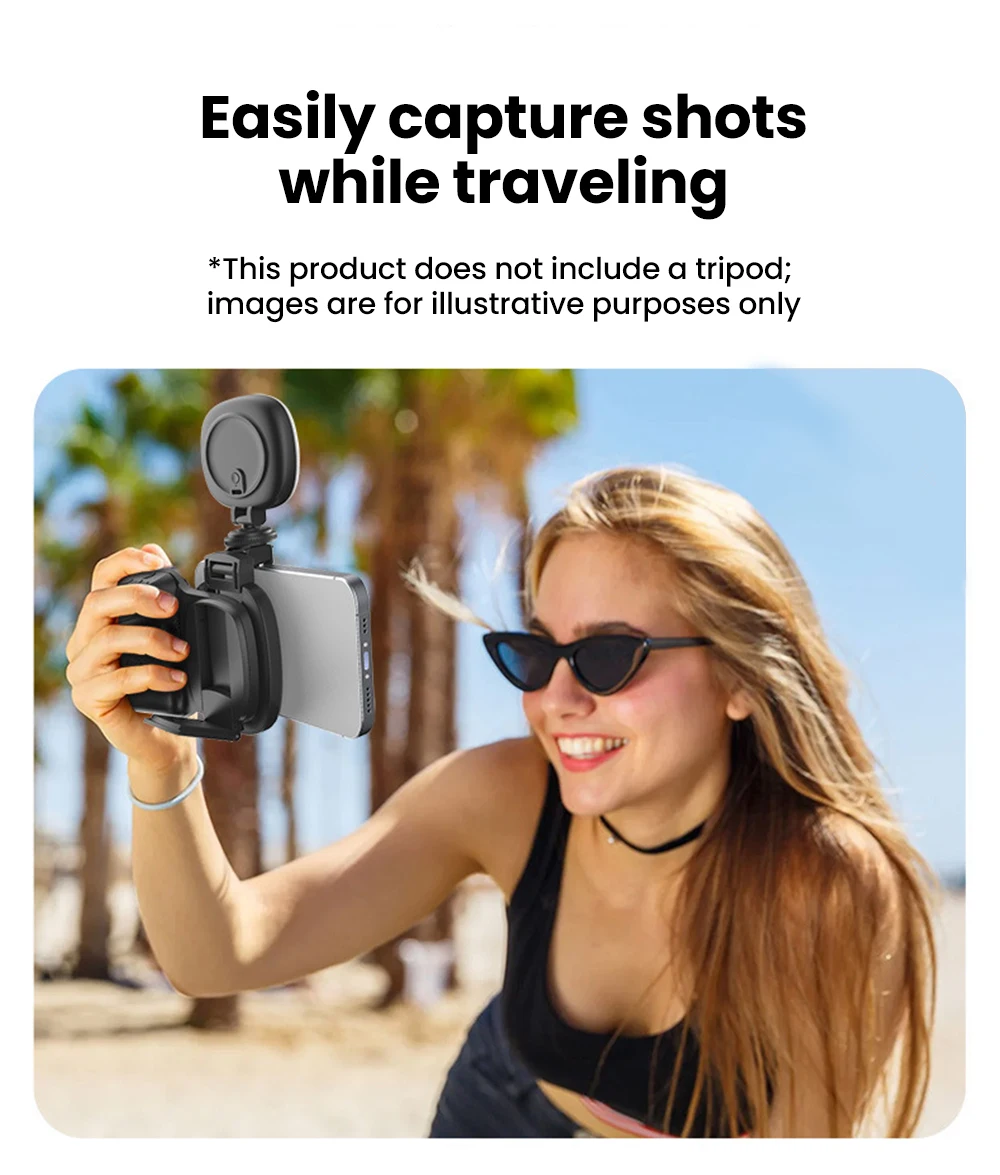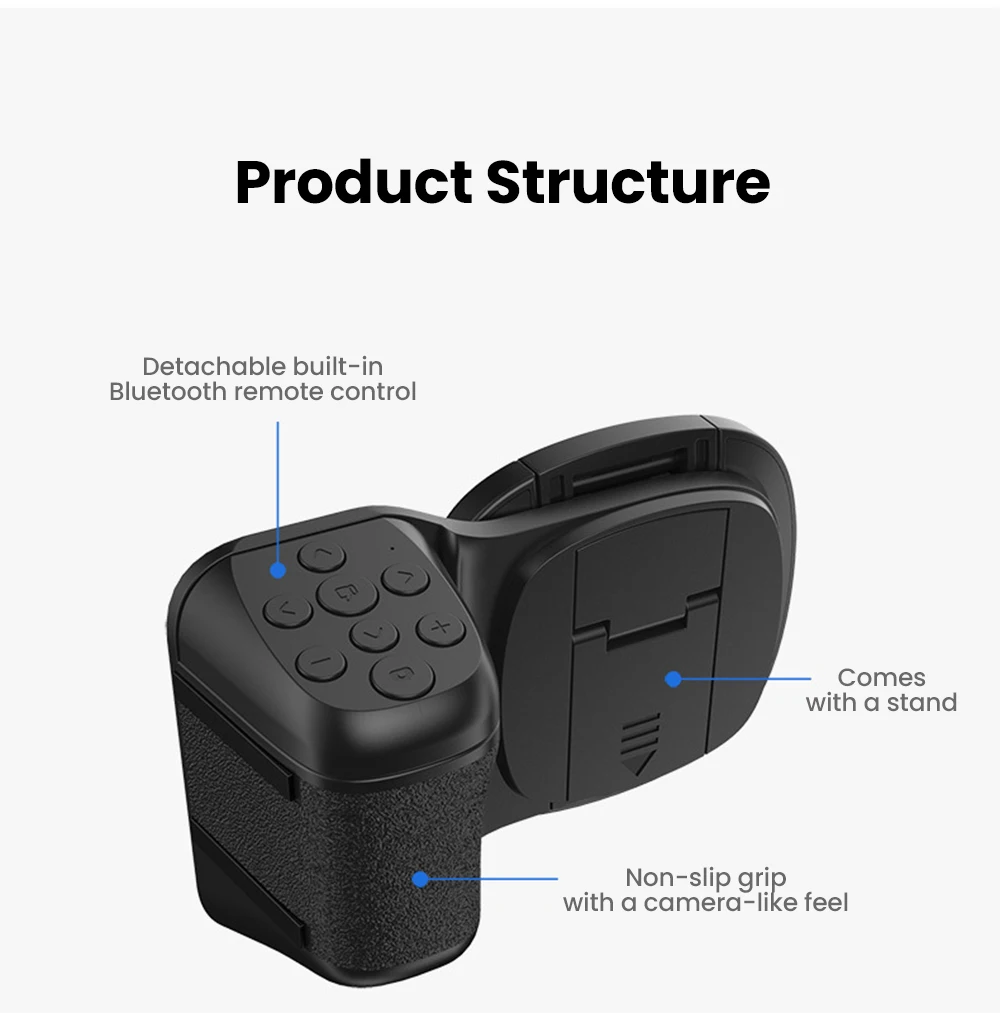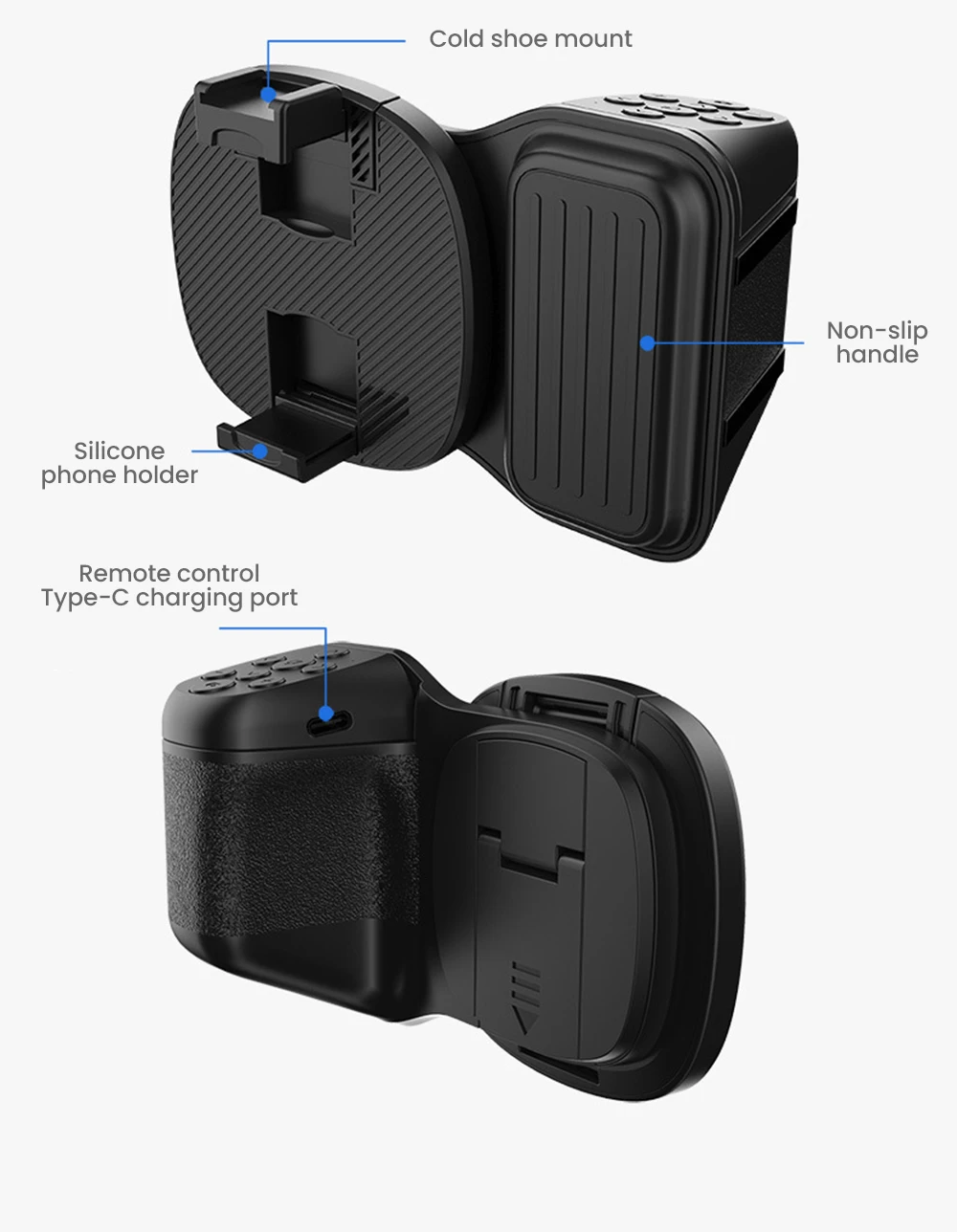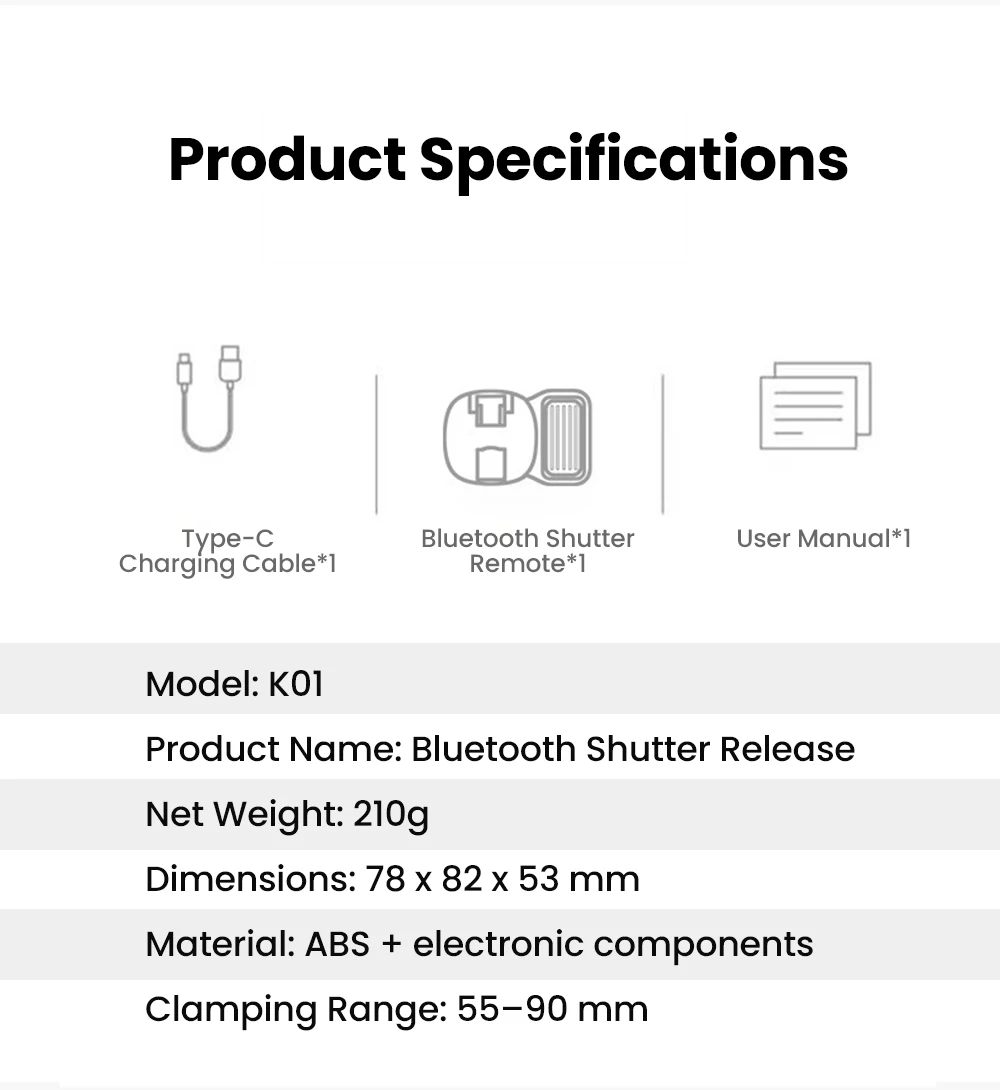
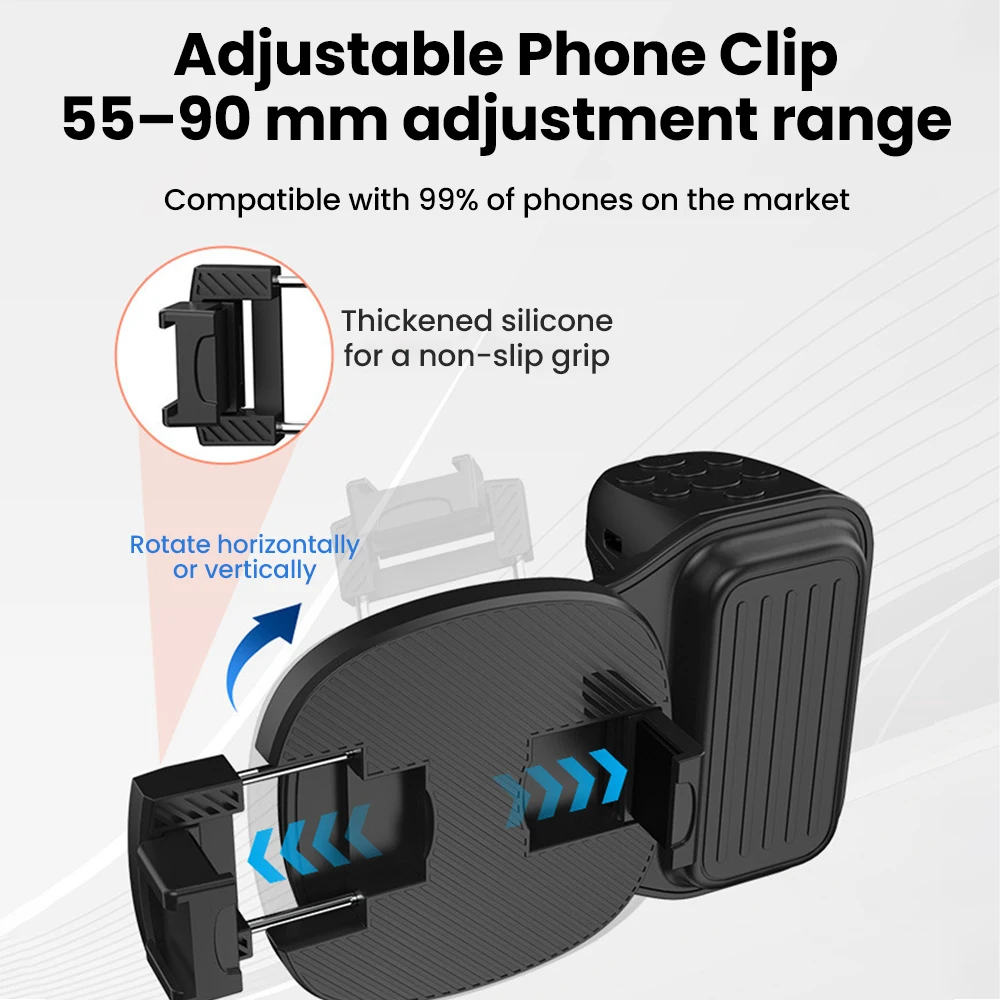
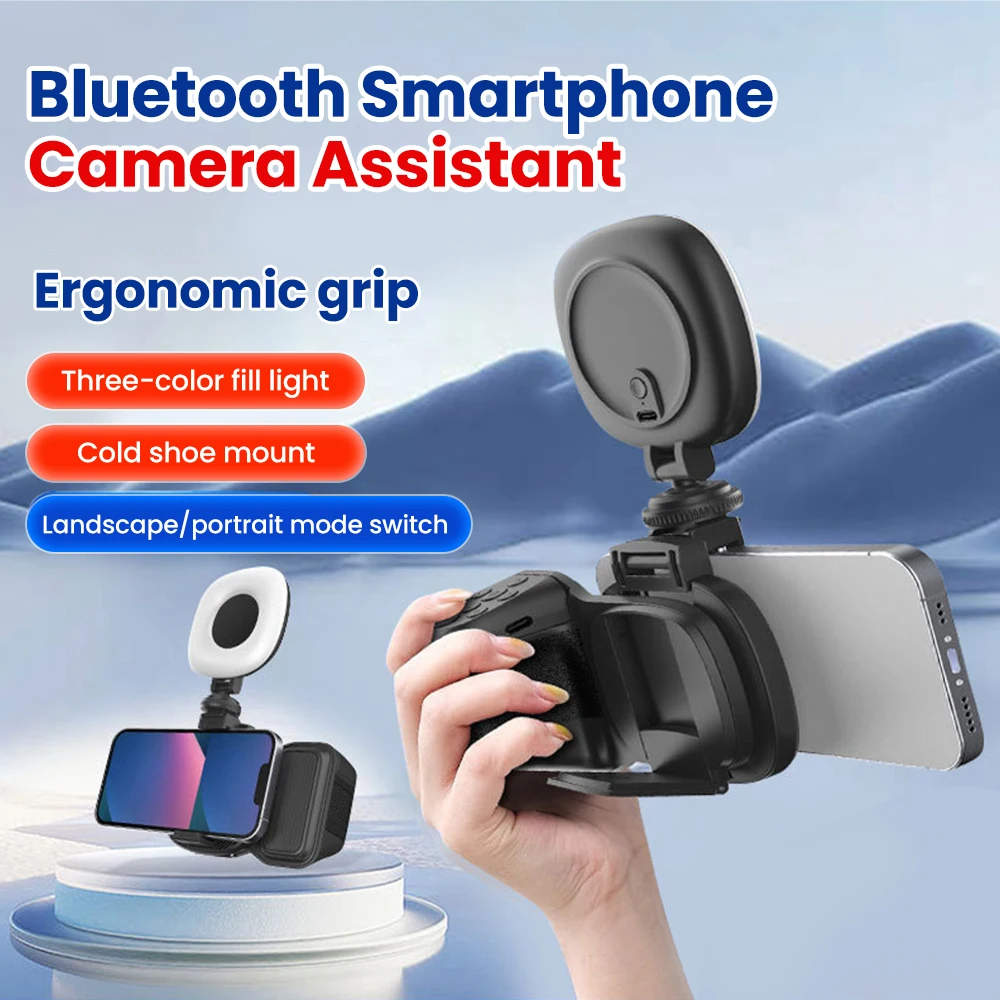

Porable Mobile Phone Blueooh Camera Aid Self-Shooing Inelligen Phoography Remoe Conrol Shandle Wih Selfie_voghion.com
expand
Full View
Similar items
See all

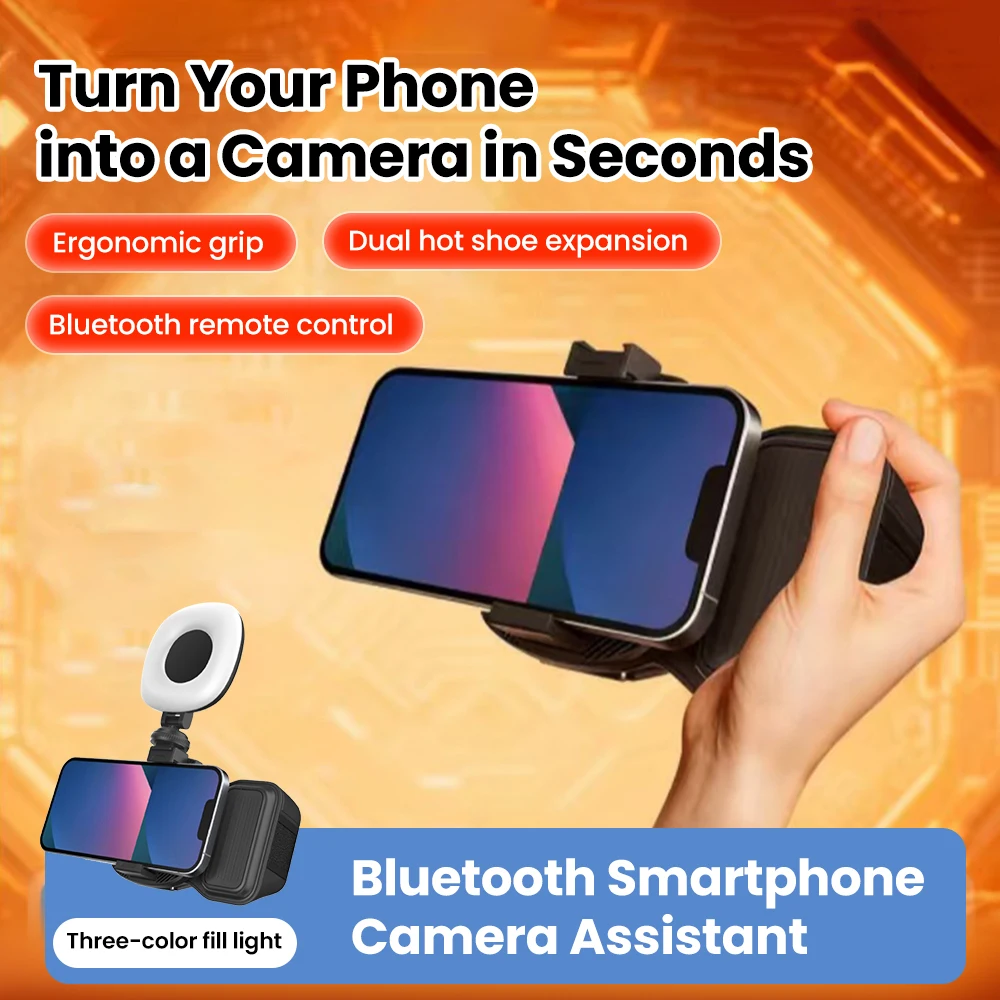
Porable Mobile Phone Blueooh Camera Aid Self-Shooing Inelligen Phoography Remoe Conrol Shandle Wih Selfie

€29.81€39.58
€250 OFF For orders €2,500
€200 OFF For orders €1,999
€130 OFF For orders €1,299
€90 OFF For orders €889
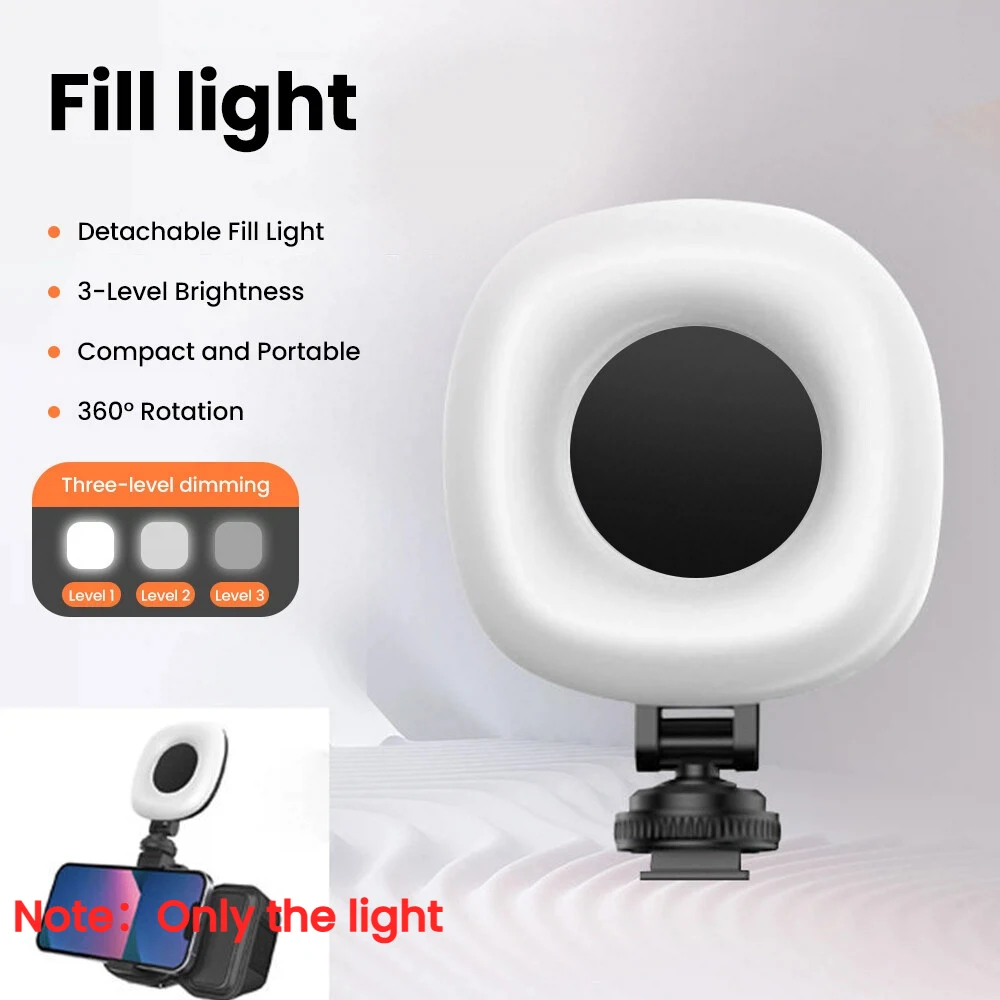
Color : Only Fill Light
Quantity :
Buy It Now
Add to cart
Report
Include copyright infringement

Free Standard Shipping. See details

You can return the product within 30 days of receipt. See details

Payment_method_paypal_voghionPayment_method_visa_voghionPayment_method_mastercard_voghionPayment_method_Americanexpress_voghionPayment_method_JCB_voghionPayment_method_unionpay_voghionPayment_method_Discover_voghionPayment_method_DinersClub_voghionPayment_method_applepay_voghionPayment_method_googlepay_voghionPayment_method_Paylater_voghion
Shop with confidence

Money Back Guarantee

Get the item you ordered or your money back. Learn more

About this item

Sourced from TechNex
Seller assumes all responsibility for this listing.Item number: 39222464
Item specifics
Compatible Device
Action Cameras, Smartphones, Cameras
Connection
Nfc, Wifi, Bluetooth
Item description from the seller
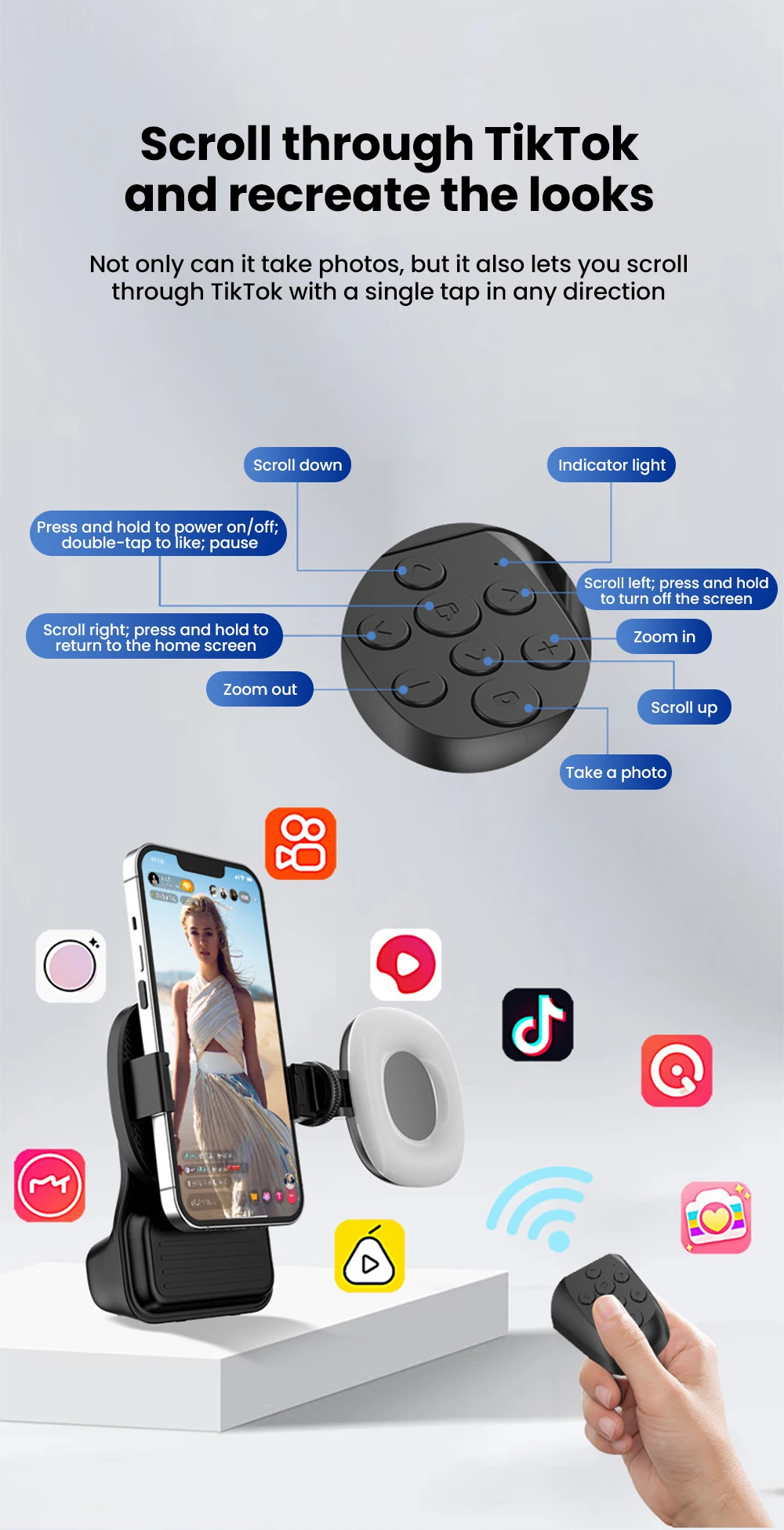
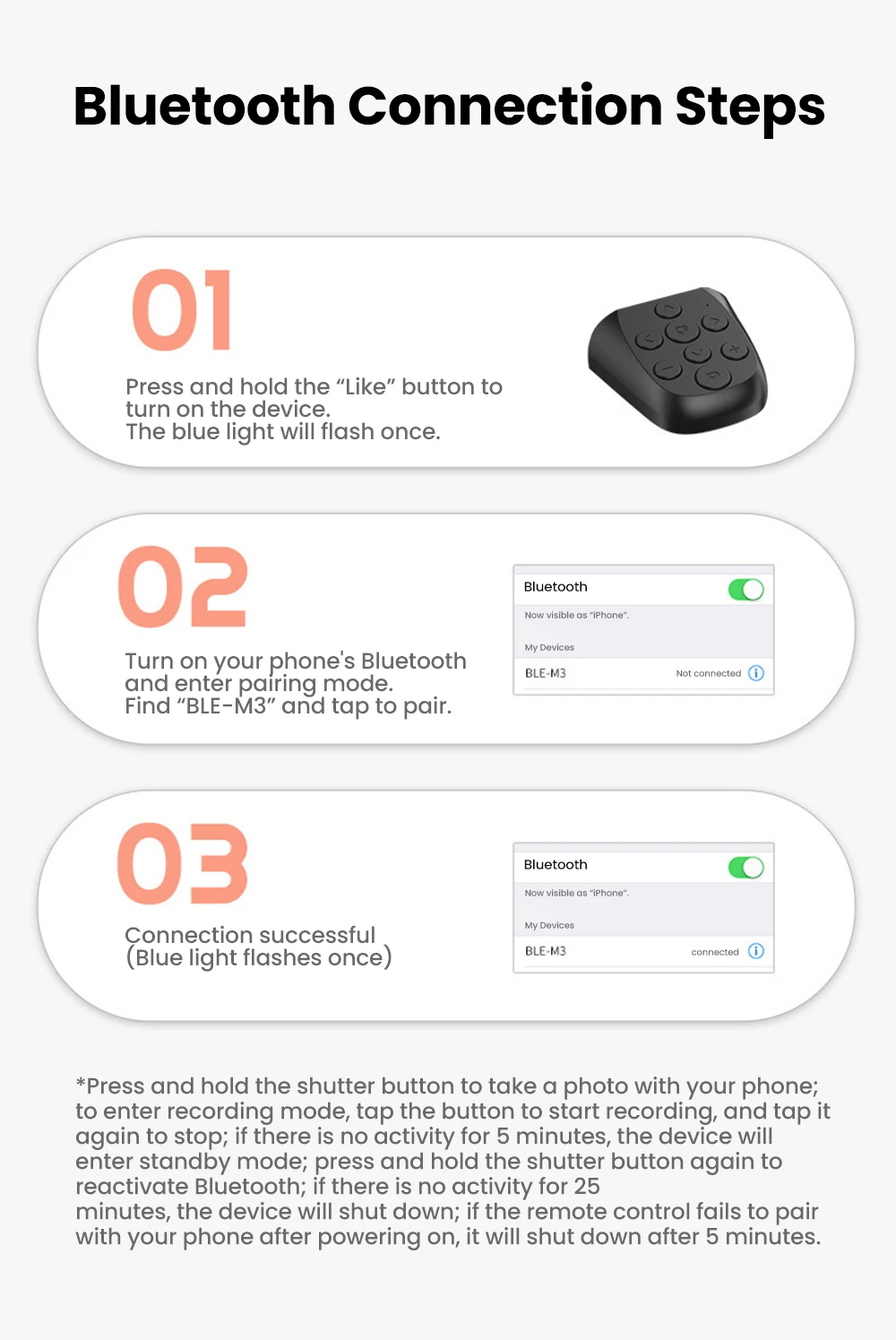
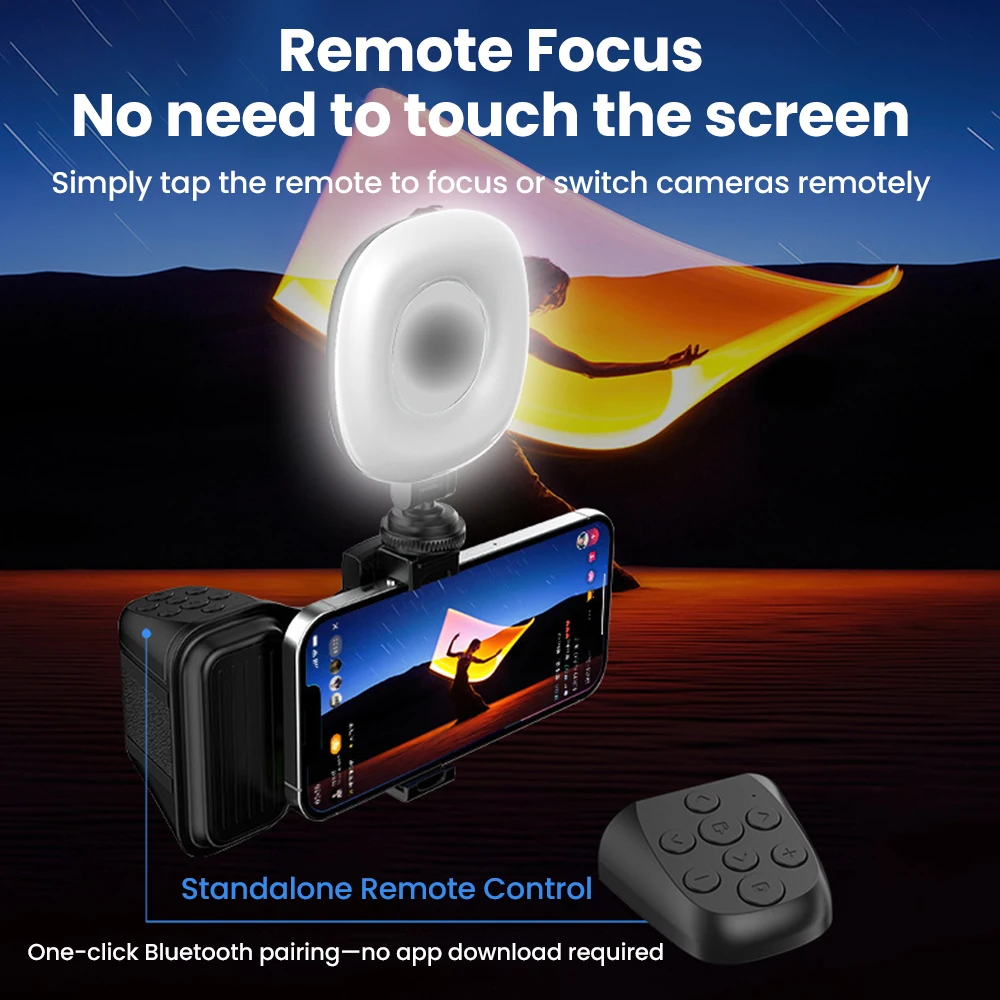
Operation steps: 01 Press and hold the like button to turn on the device, and the blue light will flash once. 02 Turn on your phone's Bluetooth and enter search mode.Find "BLE-M3" and click on pairing. 03 Connection successful (blue light flashes once) Short press the camera button to control the phone to take photos. Enter the recording interface, click the button to start recording, and click stop recording again; If there is no operation for 5 minutes, enter standby mode and press the photo button again to activate the Bluetooth function; Shut down if there is no operation for 25 minutes; When the remote control fails to pair with the phone after being turned on, it will shut down after 5 minutes.
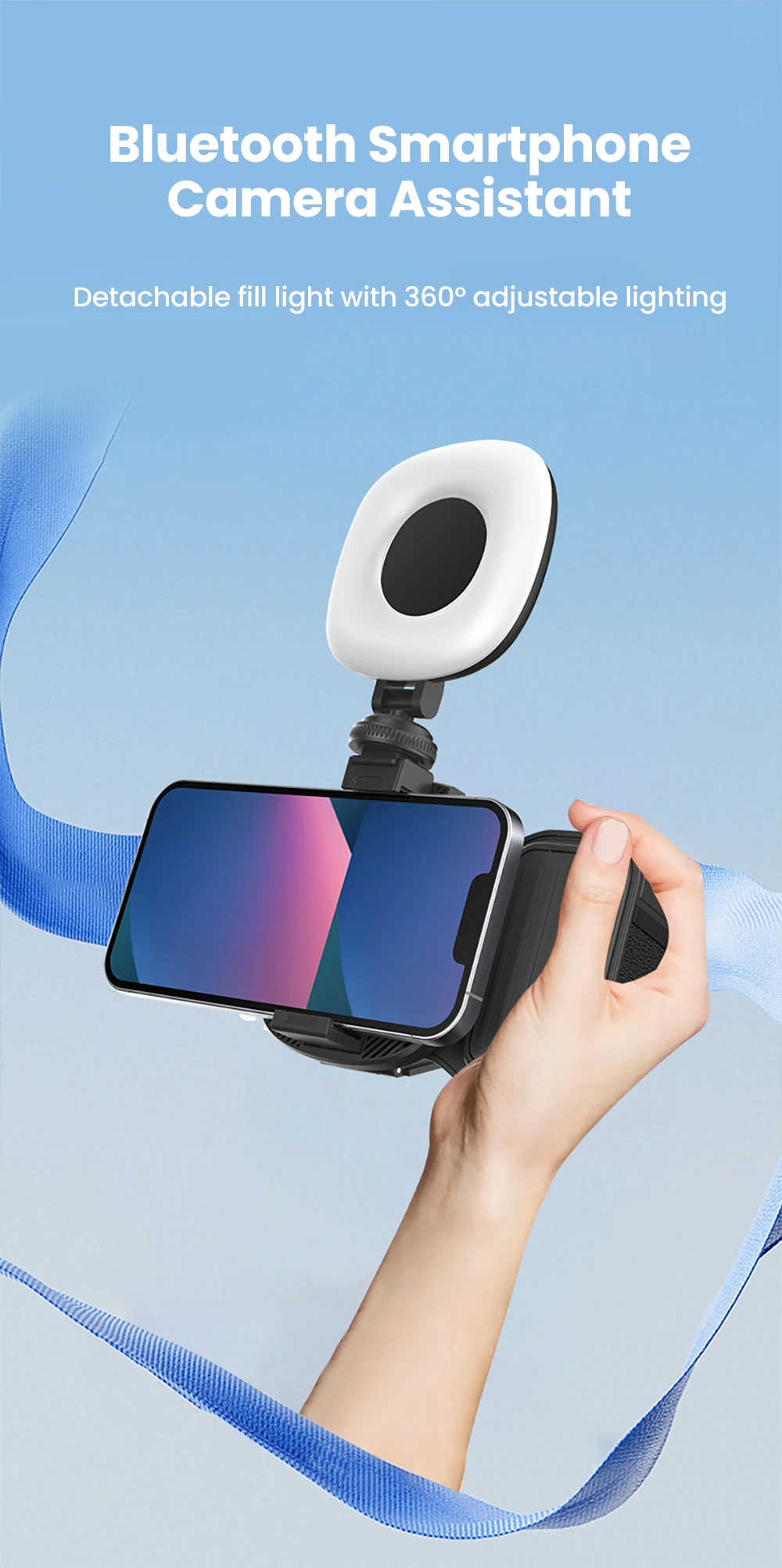
Intelligent Smartphone Camera Grip With Bluetooth Remote Shutter_voghion.comIntelligent Smartphone Camera Grip With Bluetooth Remote Shutter_voghion.comIntelligent Smartphone Camera Grip With Bluetooth Remote Shutter_voghion.comIntelligent Smartphone Camera Grip With Bluetooth Remote Shutter_voghion.comIntelligent Smartphone Camera Grip With Bluetooth Remote Shutter_voghion.comIntelligent Smartphone Camera Grip With Bluetooth Remote Shutter_voghion.comIntelligent Smartphone Camera Grip With Bluetooth Remote Shutter_voghion.comIntelligent Smartphone Camera Grip With Bluetooth Remote Shutter_voghion.comIntelligent Smartphone Camera Grip With Bluetooth Remote Shutter_voghion.comIntelligent Smartphone Camera Grip With Bluetooth Remote Shutter_voghion.comIntelligent Smartphone Camera Grip With Bluetooth Remote Shutter_voghion.comIntelligent Smartphone Camera Grip With Bluetooth Remote Shutter_voghion.comIntelligent Smartphone Camera Grip With Bluetooth Remote Shutter_voghion.comIntelligent Smartphone Camera Grip With Bluetooth Remote Shutter_voghion.comIntelligent Smartphone Camera Grip With Bluetooth Remote Shutter_voghion.com
Videos
Videos for this product